Interactive maps for WordPress that match your brand
Don't settle for a generic embed map. Give your visitors a hand-crafted map that looks and feels like your website, and add it to your WordPress site in moments.
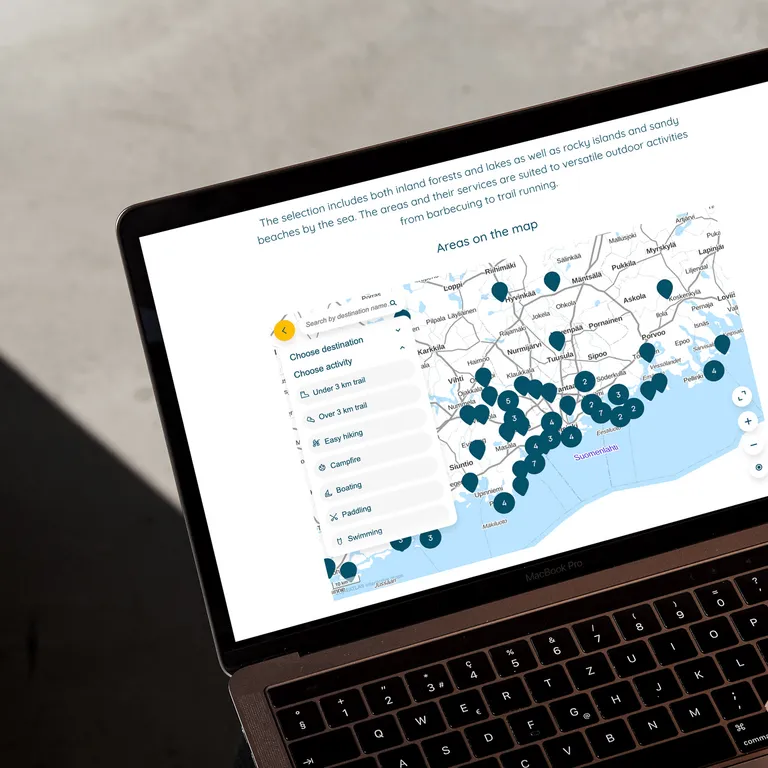
Custom-branded maps that fit your WordPress site
You've put a lot of work into your website's look and feel. Why embed a map that looks like everyone else's? Every detail of a Zoneatlas map follows your brand, so it feels like part of your WordPress site instead of something bolted on. Zoneatlas maps are built for destinations, cities, events, venues and outdoor areas that run their websites on WordPress.
- Your colours, fonts, logo and icons
- Only the places, routes and areas you want to show
- No unrelated pins competing for your visitors' attention
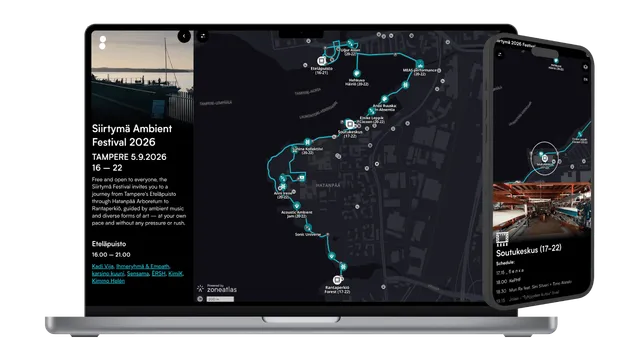
Hand-crafted interactive maps for a better visitor experience
Zoneatlas maps aren't generated from a template. They're hand-crafted with your visitors in mind, and this proven design is trusted by destinations across Finland and beyond.
Clear categories, quick search and smooth navigation help people find what they're looking for, on any screen.
Try it: this live map is embedded exactly the way it would be on your WordPress site.
Embed a map in WordPress without a plugin
No plugin, no developer and no maintenance. Build your map, paste one embed code into WordPress and you're live.
- Instant updates. Edit your map and the changes go live on your site immediately.
- Works on every screen. The map adapts to desktop, tablet and mobile, so every visitor gets a smooth experience.
- Easy for your whole team. No GIS skills needed. Anyone can edit the map in the browser.
- Share it anywhere. Use the same map as a live link in newsletters, social media or QR codes.
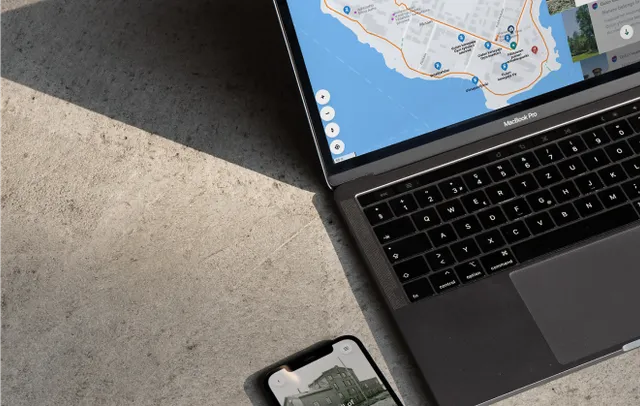
Customer story
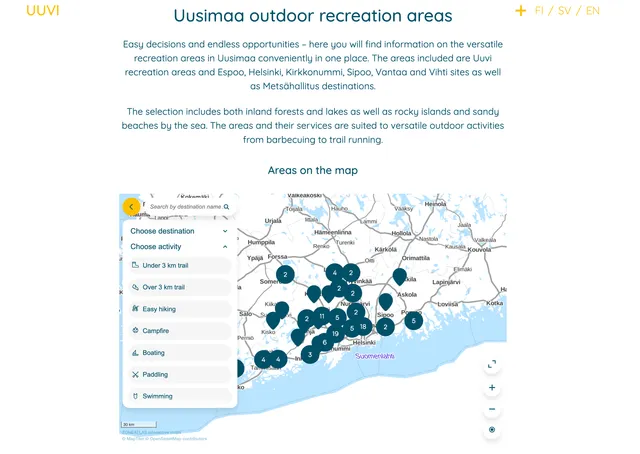
UUVI swapped PDF maps for interactive maps on their WordPress site
Uusimaa outdoor recreation areas (UUVI) manages outdoor areas across Southern Finland, from forests and lakes to rocky islands and sandy beaches. They replaced their old PDF maps with interactive Zoneatlas maps, embedded straight into their WordPress site as a natural part of the content.
Information that used to be scattered across several platforms now lives in one easy-to-use map.
- outdoor areas
- ~40
- municipalities
- 19
WordPress map FAQ
Didn't find what you were looking for? We're here to help! Contact us at
support@zoneatlas.comHow do I add an interactive map to WordPress?
Build your map in Zoneatlas, copy the embed code and paste it into a Custom HTML block in the WordPress editor. Page builders like Elementor and Divi have an HTML widget that works the same way. Our step-by-step guide walks you through every editor.
Do I need a WordPress map plugin?
No. Zoneatlas uses a standard iframe embed, so there is nothing to install or update. On WordPress.com, embeds depend on your plan allowing custom HTML.
Why choose Zoneatlas over Google Maps?
Google Maps looks the same on every website. A Zoneatlas map follows your brand, shows only your content and gives visitors a hand-crafted experience. Your data is hosted in the EU.
Does the map update automatically on my WordPress site?
Yes. Any change you make in Zoneatlas goes live instantly wherever the map is embedded. You never have to touch your WordPress pages.
Is Zoneatlas GDPR compliant?
Yes. All data is stored in the EU and encrypted at rest and in transit.
Is there a free plan?
Yes. Start for free with no credit card and no time limit. See our pricing for paid plans and a quick price estimate.
Give your WordPress site the map it deserves
Start for free and see your brand on the map in minutes.