
Hospital campus wayfinding map
With a Zoneatlas hospital campus map, patients and visitors always find the right car park and correct entrance before they arrive.
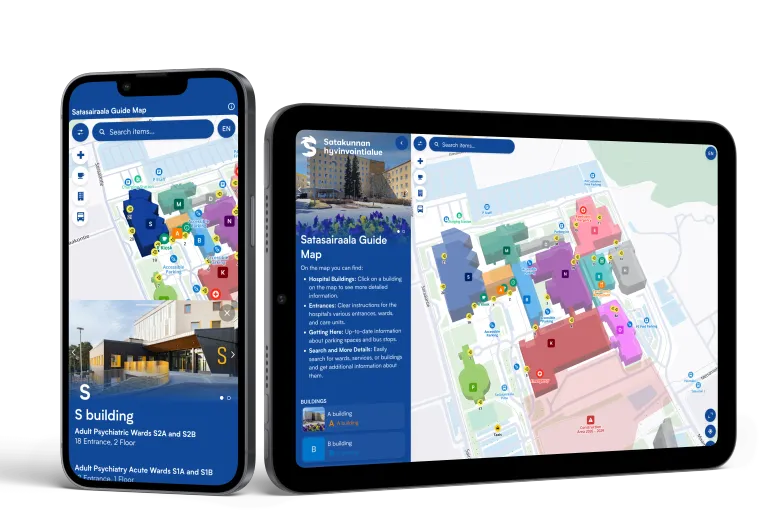
Try a live hospital campus map
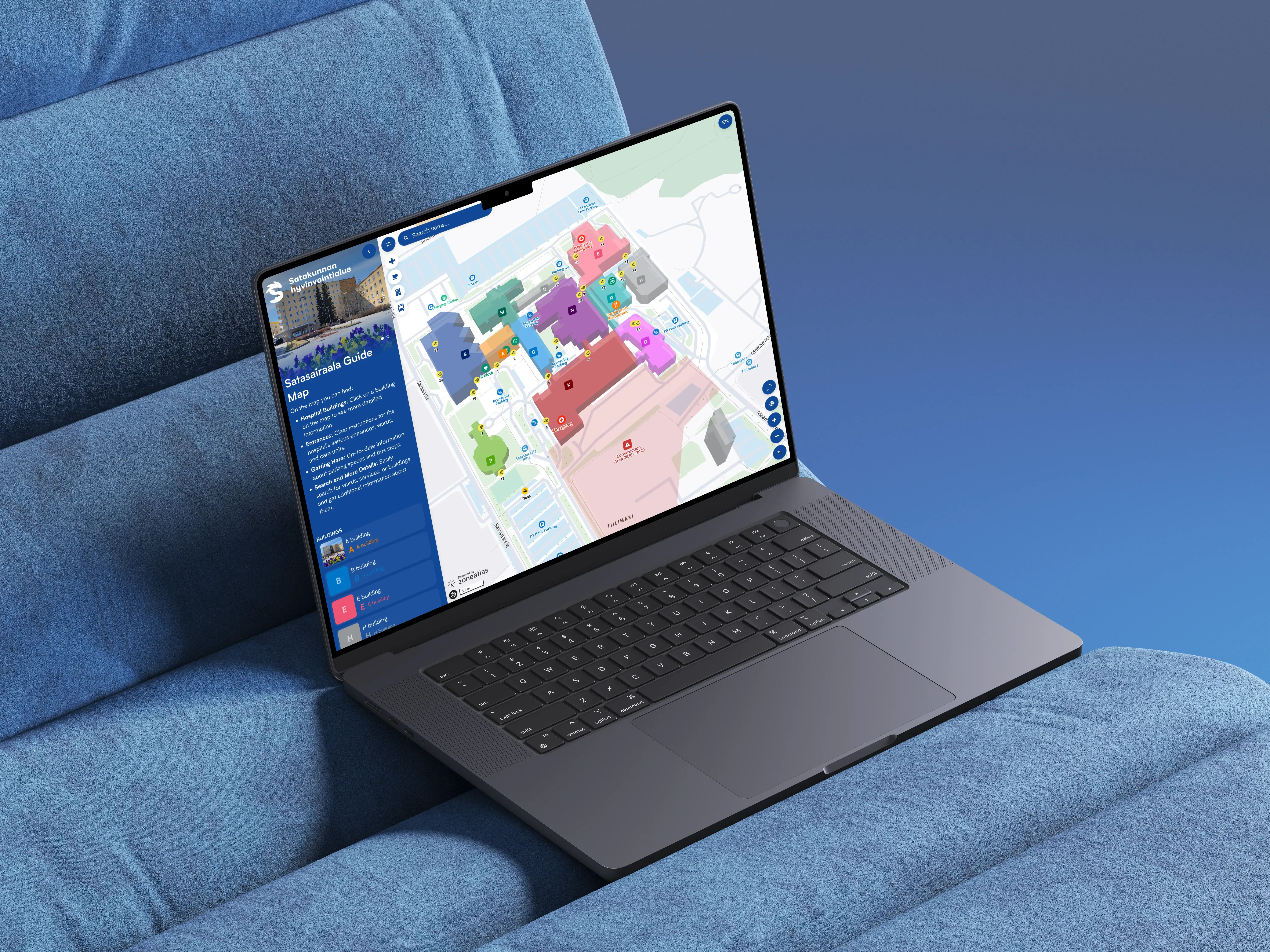
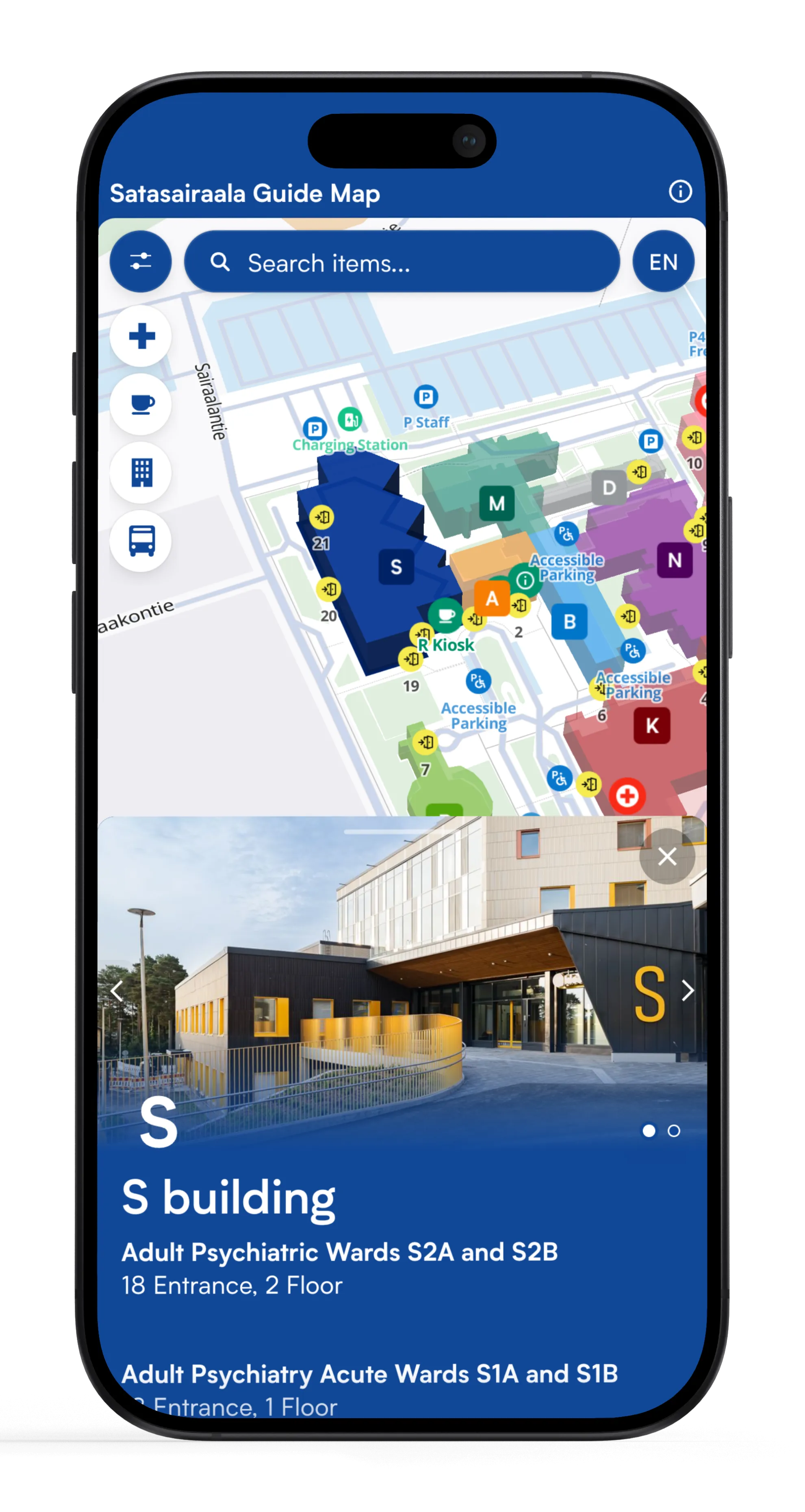
This is the Satasairaala campus map in Pori, Finland. Search for a ward to see which entrance to use, or tap buildings and entrances to see more information.
From the car park to the right door
The interactive map covers the whole visit up to the entrance. It opens in any browser on a phone, tablet or desktop, with no app to download.
- Before the visit. A link in the appointment letter opens the map at the right entrance, so patients can plan their trip at home.
- Arriving. Car parks, drop-off points, accessible parking and bus stops are all clearly visible on the map.
- On campus. Visitors can turn on their location and see where they are on the map.
- At the door. Each entrance can show its opening hours and whether it is open right now. Inside, your own signage takes over.
- Accessibility. Highlight accessible entrances and step-free routes, so everyone can find their way.
Hospital campus maps are part of our venue, campus and arena solution.
Direct links and QR codes to the right place
Every entrance, service and car park on the map has its own link and QR code. Always open the map at the right place, with no extra searching.
- Appointment letters. Link each appointment to the entrance the patient should use.
- Your website. Link from each ward and service page to its entrance on the map.
- Signs and posters. QR codes in car parks and at bus stops show visitors where they are and where to go next.
When an entrance changes, you update it once on the map. The links and QR codes you've already shared show the new information.
Already have a PDF map of your campus?
Keep it alongside the interactive map. A PDF works well on paper, but on a phone it is hard to read and quickly goes out of date. An interactive map adds what the PDF can't do:
- Search. Visitors find their ward by name instead of scanning a legend.
- The right place, straight away. Links and QR codes open the map at the entrance visitors need.
- Always up to date. Your staff change the map once, and every link and QR code shows the new information.
Zoneatlas maps work together with your paper and PDF maps. With the paper maps add-on, you create print and PDF maps from the same content as the interactive map, with a QR code that opens it in the right place.
Satasairaala, the regional hospital of Satakunta in Pori, Finland, moved from PDF maps to a Zoneatlas map that hospital staff update themselves.

Did we pique your interest?
Book a 30-minute demo and we'll show you how visitors could find the right entrance at your hospital.
Keep entrances and opening hours up to date
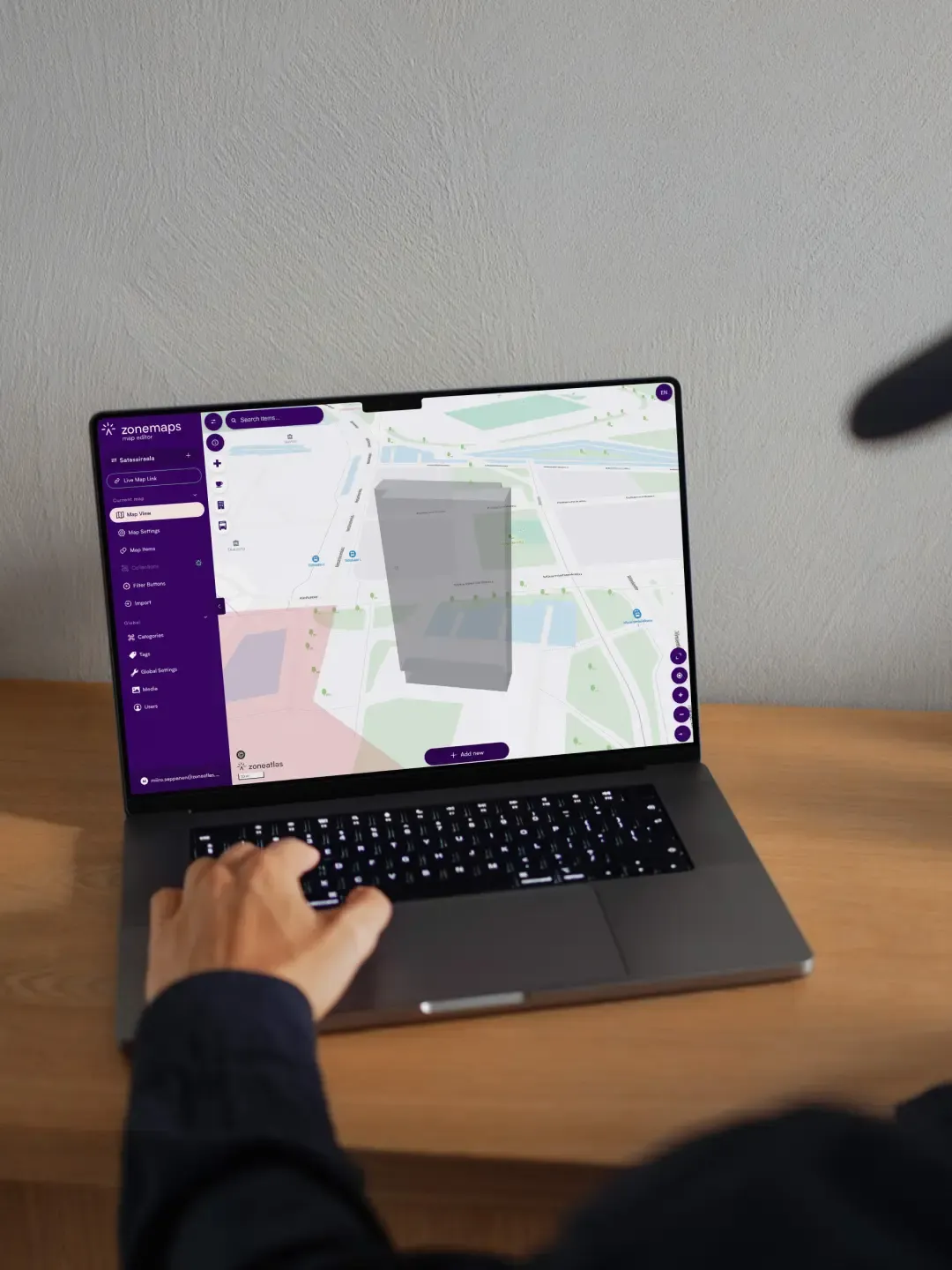
Your staff maintain the map in Zoneatlas Manager, our browser-based map editor. When an entrance closes for renovation or its opening hours change, they update it and publish the change straight away. The 3D buildings can be edited in Manager too, so the map follows when the campus changes.
How is your hospital map created?
- We build the first version. Zoneatlas adds your buildings, entrances, wards, car parks and other places based on the information you already have.
- You check it and publish it. Embed the map on your website and share links and QR codes to the right places.
- Your staff take charge. Everything can be changed in Manager, so your staff can update the information whenever they need to.
Extend your map with add-ons
Take the map to your lobbies, keep visitors informed about changes and add QR codes to your printed materials.
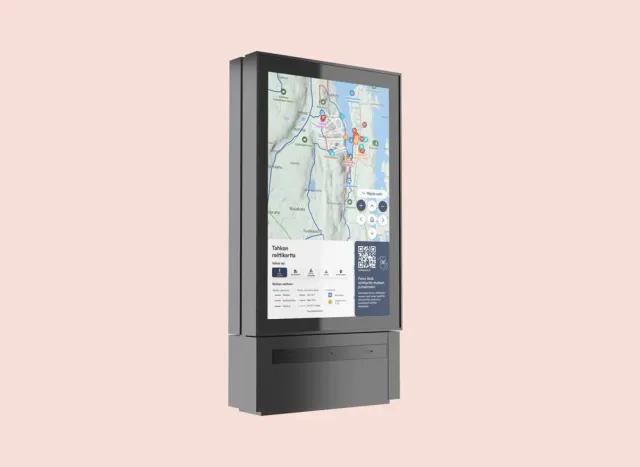
Info screens
Put the map on touch screens in your lobbies, so visitors can use it without a smartphone. A QR code moves the map to their own phone.
Explore info screens
Announcements
Tell visitors about closed entrances, building work and other temporary changes on the map itself. Schedule notices to appear and expire automatically.
Explore announcements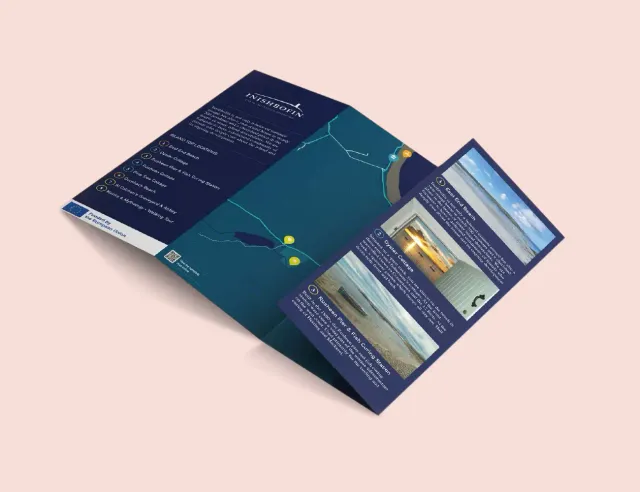
Paper maps
Keep paper maps for those who want them. Create print and PDF maps and wayfinding posters from the same content, with a QR code that opens the digital map in the right place.
Explore paper maps
Hospital campus wayfinding FAQ
Didn't find what you were looking for? We're here to help! Contact us at
hello@zoneatlas.comCan appointment letters link to the right entrance?
Yes. Every entrance, service and car park on the map has its own link and QR code. Add the link to an appointment letter, and the map opens at the entrance the patient should use.
Can the map show whether an entrance is open?
Yes. Each entrance can show its opening hours and whether it is open right now. If an entrance closes temporarily, your staff update it in Manager.
Do visitors need to download an app?
No. The map opens in any browser on a phone, tablet or desktop. You can also embed it on your website, and with the info screens add-on, show it on touch screens in lobbies.
Do we need beacons or other hardware?
No. The map runs in the visitor's own browser and uses their phone's location. Touch screens for lobbies are an optional add-on.
How is our hospital map created?
Zoneatlas builds the first version of the map, including buildings, entrances, wards, car parks and other places, based on the information you already have. After that, your staff can take charge of the map and update it as they see fit.
Can our own staff update the map?
Yes. The map is maintained in Zoneatlas Manager, our browser-based map editor. When an entrance closes or its opening hours change, your staff update the map and publish the change straight away.
Can the map show accessible routes?
Yes. Add step-free routes and accessible entrances to the map.
Is the map available in several languages?
Yes. Publish your map in as many languages as you need. Automatic translations draft each language version, so you only need to review and fine-tune the text.
How much does hospital campus wayfinding cost?
Get a price range for your project in under a minute with our price estimate, or book a demo to talk it through.
Is Zoneatlas GDPR compliant?
Yes. All data is stored in the EU and encrypted at rest and in transit.
Get your visitors to the right entrance
Book a 30-minute demo and we'll show you what it could look like for your campus.